
Losing internet signal while traveling or sightseeing can be a problem, but it doesn't have to be. To help you avoid getting lost, we've compiled the best offline GPS apps that work even without a connection. This way, you can explore new places without worrying about your data plan or Wi-Fi.
Main Highlights
- Google Maps: Allows you to download specific areas for offline use, while maintaining the functionality to plot routes and explore points of interest.
- Sygic GPS Navigation & Offline Maps: Offers detailed 3D navigation without internet access, with options for tourist attractions and establishments.
- HERE WeGo: Provides downloadable full country maps for offline use, with routes for various modes of transport and audio instructions.
- Maps.Me: Stands out for its user-friendly interface and ability to generate routes for different modes of transportation, even without an internet connection.
- Organic Maps: An app focused on privacy and offline use, with detailed and up-to-date maps, ideal for travel and outdoor activities.
1. Google Maps
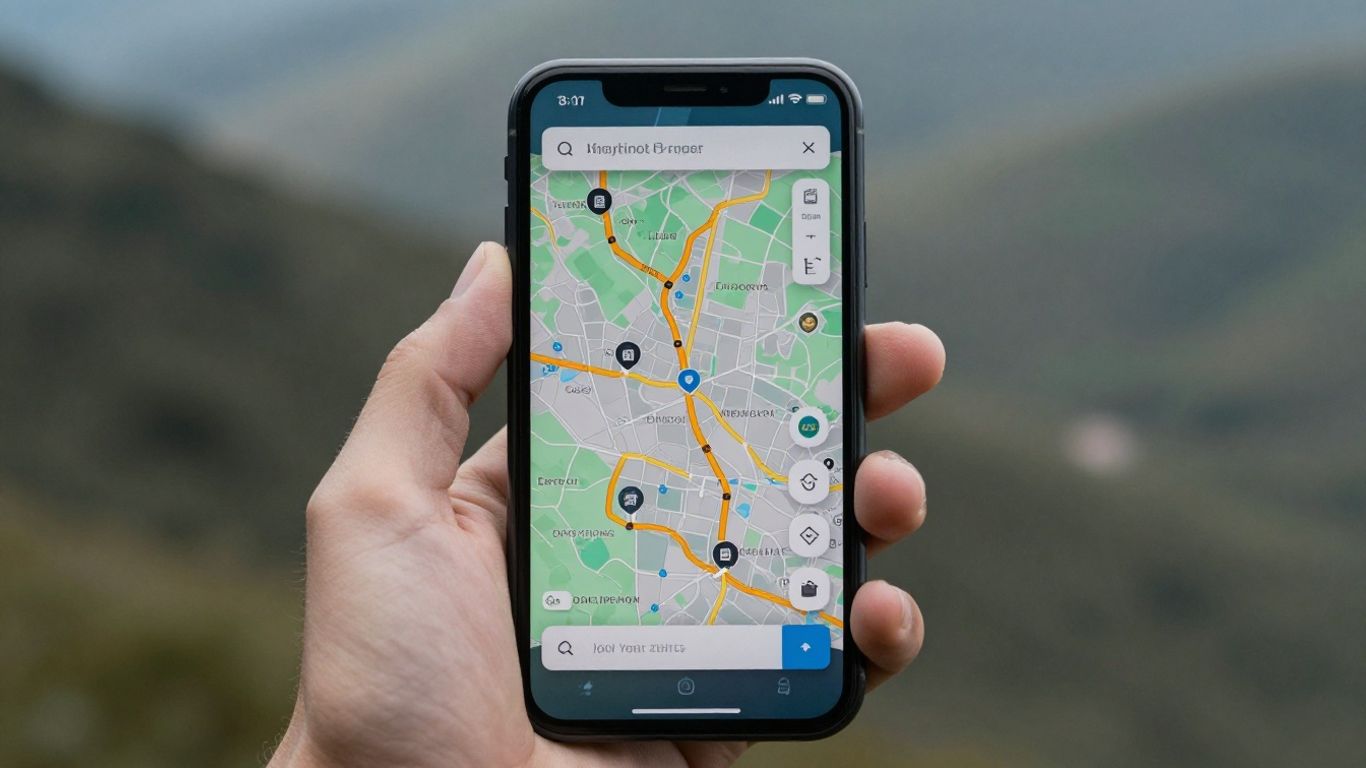
Ah, Google Maps. Who hasn't used it, right? It's that app we already have on our phones, we don't even think about it much. But what many people don't know is that it's also useful when the internet decides to take a vacation. Yes, it's possible to download maps to use without a connection.
To do this, it's a breeze. You search for the place you want, like a city or region, and when the results appear, you drag down that bar at the bottom. The "Download" option will appear. Then just choose the exact area of the map you want to save on your phone and confirm the download. That's it!
With the downloaded map, you can plan routes, see where the cool places are, and even find a gas station, all without using your mobile data. It's a lifesaver for those traveling to places with poor signal or simply wanting to save money.
Google Maps is a complete navigation tool, even for offline use.
- Map Download: Allows you to download specific areas for offline use.
- Offline Navigation: Create routes and show points of interest even without an internet connection.
- Familiar Interface: Easy to use for those already familiar with the app.
Despite being an online giant, Google Maps has adapted to offer a robust offline experience, making it a reliable option for those who need directions without depending on a signal.
2. Sygic GPS Navigation & Offline Maps
Sygic is a well-known name when it comes to navigation, and its offline version doesn't disappoint. It allows you to download detailed maps of various regions, which is great for those who travel a lot or simply want to save mobile data. 3D navigation is one of its strong points., making the experience much more immersive and easier to follow, even in unfamiliar cities.
The app doesn't just show you the way. It also displays points of interest like restaurants, gas stations, and tourist attractions, which can be super useful when planning stops or exploring the area.
Some more advanced features, such as real-time traffic information and more detailed voice navigation, are reserved for the paid version. But, for those who only need a reliable GPS without depending on the internet, the free version already provides a very complete package.
Sygic stands out for offering high-quality maps and an interface that, despite having many features, is relatively easy to use once you get used to it. It's a solid option for those seeking reliability in any connectivity situation.
3. HERE WeGo
HERE WeGo is another solid option for those who need offline maps. It stands out for offering the possibility of downloading complete maps of entire countries, which is great for longer trips or for those going to areas with unstable internet signal. The interface is very straightforward, and you can plan routes for various means of transport, not just cars.
One cool thing is that it shows points of interest and establishments along the way, which can be useful for planning stops. You can switch between normal map view, satellite view, and even listen to voice instructions, which is very helpful when you can't keep looking at the screen. The ability to download maps of entire countries is a major advantage for frequent travelers.
HERE WeGo is a reliable choice for offline navigation, especially for those seeking detailed maps of entire regions and features for different types of travel. It remains a robust alternative in the GPS app landscape.
The app allows you to plan your route in advance, even without an internet connection. It's also good for finding places like restaurants or gas stations, even when you're offline. If you're planning a trip abroad or to a remote region of Brazil, it's worth checking out. HERE WeGo for Android and iOS.
4. Maps.Me
Maps.Me is a navigation app that stands out for its simple and intuitive interface, entirely in Portuguese, and best of all: it works perfectly without an internet connection. As soon as you install the app, it identifies your location and suggests downloading a map of your region. It's very practical, you know?
One of the cool things is that it can map routes between two points for various modes of transportation, even when you're offline. If you enjoy walking or cycling, Maps.Me even warns you about inclines and declines along the way, which can be very useful for planning your effort. In addition, it shows nearby points of interest, with reviews and photos from other users, which helps you discover new places.
Maps.Me is one of those tools that makes life easier when exploring a new place, especially if you don't want to spend money on mobile data or are in an area with weak signal. It gives you the freedom to move around without worries.
The app is free, but offers some optional in-app purchases. It's a great option for those looking for a reliable and easy-to-use offline GPS. You can download maps to use on trips and have the peace of mind of always knowing where to go, even without a signal. It's a solid alternative for those who don't want to depend on a constant internet connection to get around. with offline maps.
5. Organic Maps
If you enjoy exploring the world without relying on an internet connection, Organic Maps could be your new adventure companion. It's an offline map and GPS navigation app that stands out for its speed and detail. Consider it for your travels, trails, treks, or even bike rides. You can plan, import, and even record your routes, all without draining your phone's battery or needing a connection.
The great thing about Organic Maps is that it works 100% offline. This includes searching for places and navigation itself. You know that worry about mobile data consumption or roaming charges? With it, that's a thing of the past. And since there are no background data transfers, your device's battery will thank you, lasting much longer.
The maps are based on OpenStreetMap, a global collaborative project. This means they are built and maintained by people who truly know the area. The result is highly detailed maps that are updated every two weeks. They often include information that other apps leave out, such as the names of buildings, banks, and hiking trails.
Organic Maps' main focus is privacy. They don't collect any of your data or identifiers. This frees you from worries about data leaks and having to deal with annoying ads or notifications. It's a clean map experience focused on what matters.
The app is known for its speed. Zooming, searching, and route calculations are remarkably quick. Furthermore, it's completely free, with no ads or hidden features requiring payment. It's an independent, community-driven project, ensuring continuous development focused on user needs.
6. MapFactor Navigator
MapFactor Navigator is an interesting option for those looking for a GPS that works offline, and best of all: it has a free version.
To use MapFactor Navigator for free, you need to select the "Navigator Free" option within the application. After that, the next step is to download the map of the country you intend to explore. It's important to know that you can't download just a specific region; the download covers the entire country.
Its interface may not be the most modern on the market, but the location information is quite accurate and it comes with some cool extras. You can view the map in 2D and 3D, which greatly helps with visualization. A nice feature is that it has a navigation mode designed especially for truck drivers, with routes that take into account the size and weight of the vehicle.
In addition, MapFactor Navigator shows the speed limit of the road, has a speedometer on the screen, and also indicates points of interest that are on your way or at your final destination. It's a robust app for those who need reliable navigation without depending on a signal.
- Navigation for truck drivers
- Speed limit indicator
- 2D and 3D visualization
- Speedometer on screen
7. Polaris GPS
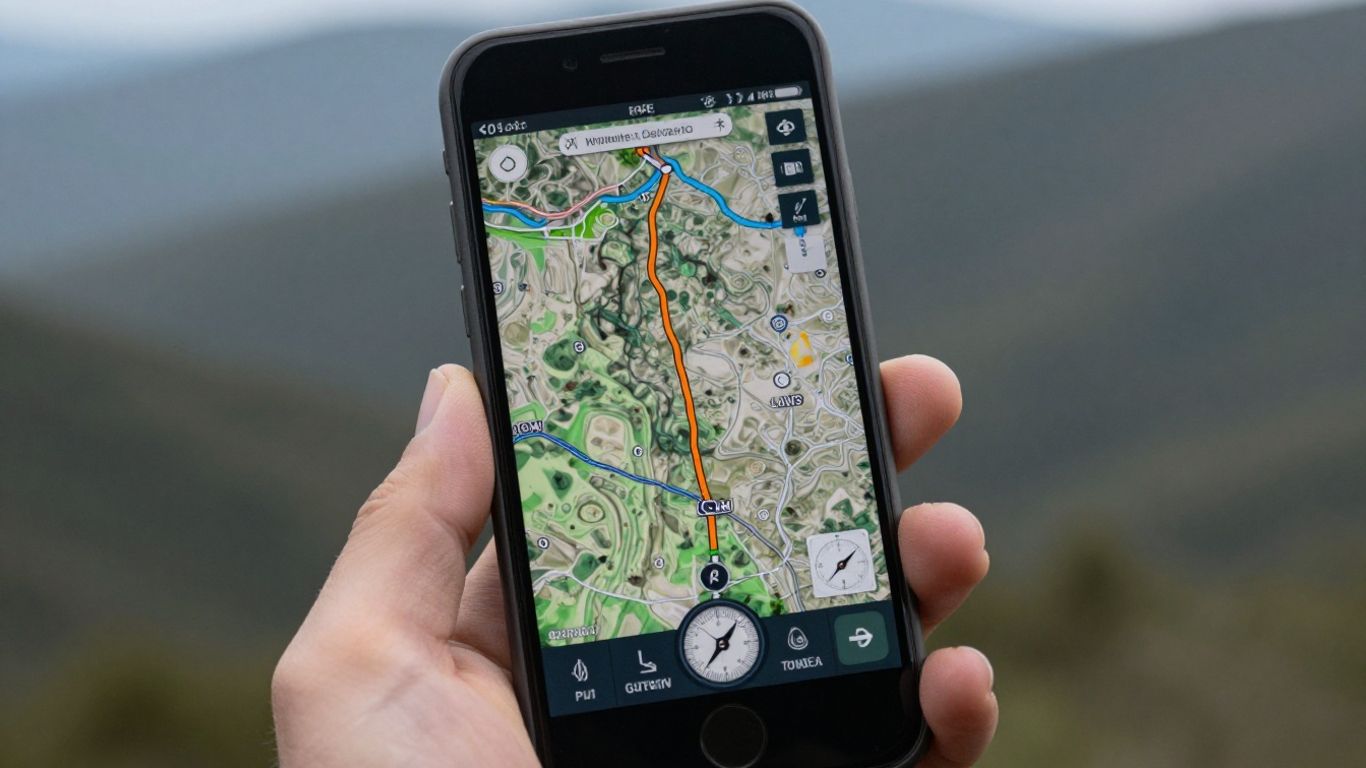
If you enjoy exploring the outdoors, especially on trails where internet signal disappears, the Polaris GPS could be your new best friend. It was designed specifically for those who venture into more remote locations. To use it without worrying about connectivity, the first step is to download maps of the area you intend to visit. It's very simple, but remember to do this before leaving home.
In addition to guiding you, the Polaris GPS comes with some very useful tools. It has a magnetic compass, information about your exact location, and even data about sunrise and sunset, which can be great for planning your day. One function that I found particularly interesting is the ability to save the trails you take. So, if you want to retrace your steps or share them with someone, you just need to access the record.
It's a great option for those seeking robust offline navigation for outdoor activities.
The app also allows you to record your routes in GPX format, which is excellent for those who like to record their adventures or use the data in other programs. You can choose between different types of compass, such as magnetic or true, and even configure dynamic routing. For those who do a lot of hiking, this ability to save and manage routes is a key advantage.
The Polaris GPS stands out for offering features that go beyond simple navigation, making it a reliable companion for expeditions where connectivity is uncertain. It allows you to create and save your own routes, making it easier to return to previously explored locations or plan new journeys.
Although the app is free, there are in-app purchases for those who want extra features. But for most offline trail navigation needs, the basic version is sufficient. If you're planning a trip to areas without cell phone coverage or simply want more safety on your hikes, it's worth checking out. Polaris GPS for Android.
8. GPS Brazil
GPS Brasil is one of those options that comes with a map of our country ready to use. You know? As soon as you download the app, you can start exploring the streets, especially in larger cities, with 3D maps. It's very practical.
One cool thing is that you can display the speedometer on the screen while you're driving. And if you activate driving mode, you can even use voice search, which is very helpful for keeping your hands on the wheel. It also has a database of speed cameras and locations with speed control, which can save you from an unexpected fine.
If you use Foursquare, you'll be pleased to know that GPS Brasil is integrated into it. This means it shows you nearby establishments. And if you happen to have internet access, it even gives you real-time traffic information, which is a bonus.
Key Features:
- Pre-installed 3D maps of Brazil.
- Speedometer on screen.
- Voice search while driving.
- Radar alerts and speed control.
- Integration with Foursquare to find businesses.
- Real-time traffic information (with internet).
For those seeking a straightforward solution focused on Brazil, without the hassle of downloading maps, GPS Brasil presents itself as an interesting alternative, especially due to its inclusion of speed alerts.
9. Waze
Waze is that app everyone knows, right? It's famous for having a super active community that shares information in real time. You know when you're driving and suddenly a warning pops up saying "slow traffic ahead" or "accident 500 meters ahead"? That's Waze in action!
It's great for those who want to avoid unexpected problems on the road. The people who use the app report everything: potholes, hidden police, traffic jams. It's like having a co-pilot who knows everything that's happening on the street.
Although its main focus is on car navigation, Waze also offers directions for pedestrians and cyclists. It's not as detailed as other apps for these modes of transport, but it does the job.
One cool thing is that it automatically gives you alternative routes if traffic gets worse. You can even set it up to notify you about the best way to get home or to work.
Waze stands out for its active user community, which provides real-time information on traffic conditions, accidents, and even speed cameras. In addition to helping drivers, Waze offers navigation options for pedestrians and cyclists, making it a smart choice for those who want to avoid setbacks during their journey.
It's not the champion of offline maps, as it heavily relies on a connection to receive community updates. But, if you have a signal, it helps you reach your destination more easily and safely. For those who drive a lot, having it is almost indispensable. Waze installed.
10. OsmAnd
OsmAnd is a navigation app that stands out for being quite comprehensive, especially for those who like to explore the world without needing an internet connection. It uses data from OpenStreetMap, which is frequently updated, meaning the maps are usually very detailed and reliable. Remember that new trail that opened or that street that changed direction? OsmAnd tends to have that information.
One thing I really like is that it works completely offline. You download the maps you need and that's it, you can use them to plan routes, search for places, and even receive navigation instructions without using up your mobile data or worrying about roaming. This is a lifesaver, especially when traveling abroad or to areas with weak signal.
It's known for being fast, even when you're zooming in or calculating more complex routes. And the best part is that it doesn't have ads and doesn't collect your data. Privacy is taken seriously here, which is a relief these days.
OsmAnd is a solid choice for those seeking a robust offline map application focused on detail and privacy, ideal for travel and outdoor exploration.
The app offers:
- Detailed maps that are frequently updated.
- Turn-by-turn navigation, for cars, pedestrians, and cyclists alike.
- 3D visualization option for a better understanding of the terrain.
- Ability to import and export routes in common formats.
- Track recording features to record your routes.
Where to go now?
So there you have it. With so many GPS options that work offline, there's no excuse for getting lost anymore. Whether it's for a long trip, a stroll around town, or even that hike you've always wanted to do, there's an app ready to guide you. Most are free and easy to use, so it's worth trying a few and seeing which one best suits your daily routine. Remember to download the maps before leaving home, especially if you're going to a place with poor signal. That way, you ensure that the only thing you'll have to worry about is enjoying the journey. Have a good trip!
Frequently Asked Questions
Why use a GPS that works without internet?
Using an offline GPS is super useful for avoiding getting lost when you're in a place without cell phone signal or a data plan. This way, you can always find your way without using up your internet data.
Do I need to pay to use these offline GPS apps?
Many of these apps are free to download and use. Some offer paid versions with more features, but most have everything you need to browse offline for free.
How do I download offline maps?
Generally, you need to open the app, look for the option to download maps, and choose the region or country you want to use. Once the map is downloaded, the app works without needing an internet connection.
Do these apps show interesting places along the way?
Yes! Most of them show points of interest such as restaurants, gas stations, tourist attractions, and other businesses that are near your route or at your destination.
Can I use these apps for walking or cycling?
Absolutely! Many apps offer special routes for walkers or cyclists, showing climbs, descents, and even trails. Some are designed especially for those who enjoy exploring nature.
Are offline maps updated?
Yes, many apps update their maps regularly. This gives you more accurate information about roads and places. Organic Maps, for example, updates twice a month.
Do these apps drain the battery quickly?
GPS apps can drain battery quickly. It's a good idea to have a portable charger or use your car's charger if you plan on using GPS for an extended period.
What is the difference between paid and free apps?
Free versions typically offer basic navigation and offline maps. Paid versions may include real-time traffic information, more detailed voice navigation, speed alerts, and other extra features.