
If you're looking for the best slideshow programs for your PC in 2026, you've come to the right place. Creating slideshow presentations can seem complicated, but with the right tools, the process becomes much easier. Whether for work, study, or sharing memories, there are options for all tastes and budgets, from free software to more robust, paid options. Let's take a look at some of the best options available on the market.
Main Highlights
- Wondershare Filmora stands out with over 300 effects and direct export to social media, making it a very complete option.
- SmartSHOW 3D offers a wide range of transitions and effects, with an audio library and advanced customization options.
- AquaSoft Slideshow offers over 250 effects and transitions, along with basic video editing features, ideal for those seeking variety.
- PhotoStage is a powerful program with a user-friendly interface, allowing you to easily add narrations and voice commentary.
- Adobe Premiere Pro, while a professional video editor, is also a capable tool for creating complex, high-quality slideshow presentations.
1. Wondershare Filmora
Wondershare Filmora is a frequently chosen option when it comes to video editing and presentation creation. It stands out for offering a generous number of effects and transitions—more than 300 to be exact—giving considerable creative freedom. In addition, it features a library of royalty-free music, which is a great help for those who don't want to worry about licensing.
One of the great things about Filmora is that it allows you to export directly to social media. This greatly speeds up the process if your goal is to share content online quickly. Its interface is considered intuitive, which helps those who are just starting to familiarize themselves with editing.
Creating slideshow presentations with Filmora is a straightforward process, allowing users of all skill levels to add a professional touch to their visual projects without excessive complication.
For those seeking a versatile tool, Filmora fits the bill. It's not just for presentations, but also for more general video editing. Its ease of use combined with the number of features makes it a solid choice. It has a 5-star rating, indicating that most users are satisfied with what it offers. Its price is $14T 59.99, which, for what it offers, seems like a fair value. If you need a video editor with good features for creating presentations, it's worth taking a look at it. Wondershare Filmora.
2. SmartSHOW 3D
SmartSHOW 3D is a program that stands out for its ability to create video presentations with a three-dimensional touch. It's known for its affordable price, making it an attractive option for those who want something more professional without spending a fortune. Its interface uses a "drag and drop" system, which greatly simplifies the application of effects and animations, even for those without much experience.
One thing that stands out about SmartSHOW 3D is the number of features it offers. There are hundreds of ready-made effects and templates, as well as many audio tracks and animations for you to use. You can add titles, captions, and even narrations, making your presentation very complete. It's software that appeals to both graphic designers and ordinary users who want a great result.
Creating 3D presentations may seem complicated, but tools like SmartSHOW 3D simplify the process, allowing anyone to add a dynamic and professional look to their projects without needing advanced technical knowledge.
Key features of SmartSHOW 3D:
- Extensive library: Over 660 effects and preset templates, 200 audio tracks, and 400 animation effects.
- Intuitive interface: The "drag and drop" system makes editing quick and easy.
- Customization: Allows you to add titles, captions, 3D collages, and narrations.
- Output formats: Ability to convert videos to various formats.
The program is available for Windows and offers a free trial version. For those who like it, there are two paid versions: the Standard version, for US$39.90, and the Deluxe version, for US$59.50.
3. AquaSoft Slideshow
AquaSoft Slideshow is an interesting option for those who want to create slideshow presentations with a more personal touch, especially for family-oriented themes. It comes with a well-stocked library of effects and animation templates that give your work a cool look. Don't expect a ready-made music library, but you can record your own narration, which is great for adding a personal touch.
The program offers a lot of features, like around 250 different transitions and effects, more than 200 text templates, and up to 4 workspace modules. The drag-and-drop system makes it very easy to use, and it helps export to various formats, including CD and DVD. It also has some basic video editing tools, which are very useful.
One cool thing is that it gives you the flexibility to create animations from scratch, without being stuck with just the pre-made options. This is great for those who like to have total control over the visuals.
It has a reasonable user rating, around 3.5 stars. If you're looking to create presentations with a lot of text and custom animations, it might be a good option. They offer a one-month free trial, and after that, the paid versions are around $57 for Premium and $97 for Ultimate. It's not the cheapest, but it has its advantages if you like to customize everything.
4. PhotoStage
PhotoStage is a program that stands out for its simplicity and efficiency in creating slideshow presentations. It's a great option for those who want quick results without complications. The interface is very straightforward, which makes it easy for beginners.
With it, you can combine your photos, add music, and even narration to give it a personal touch. It has a good variety of effects and transitions to make everything more dynamic. You can cut videos, adjust playback speed, and set the duration of each image. It's a very complete package for what it sets out to do.
One cool thing is that it doesn't lock you into a single operating system. You can use it on Windows, Mac, or even Android, which is super practical for those who work with different devices. The free version already offers quite a lot, but if you want more features, the lifetime license costs around $70. It's a worthwhile investment if you frequently give presentations.
Main features of PhotoStage:
- User-friendly interface, ideal for beginners.
- Support for various image formats.
- Option to add narration and background audio.
- Options for saving and editing the project later.
- Full-screen view to see the final result.
PhotoStage is a good fit for those looking for a tool without many frills, but that delivers good results. It's the kind of program you open, do what you need to do, and that's it, without wasting much time learning complex functionalities.
5. Focusky
Focusky is a tool that stands out for its creative approach to presentation design. It's not limited to static slides; in fact, it allows you to create 3D presentations with a dynamic and engaging visual style. If you're looking for something out of the ordinary, Focusky could be a great choice.
One of the great things about Focusky is the amount of visual resources it offers. Think of a giant library of fonts, colors, and styles to give it that special touch. In addition, it integrates with services like Google Photos and Dropbox, which makes it much easier to find your images. The ability to create motion graphics and video storytelling is a key differentiator.
The program has an interface that, while it may seem a bit cluttered with options at first, is well-organized. You can use ready-made templates or venture into creating from scratch. For those who like to customize everything, Focusky offers a lot of freedom.
Some points that deserve attention:
- Extensive audiovisual effects and models: A wide variety to make your presentations more interesting.
- Library of fonts, colors, and styles: It helps maintain visual identity.
- Compatibility with cloud services: It makes it easier to access your files.
- 3D Creation: A more modern and immersive look.
Focusky is an interesting option for those who want to go beyond traditional slides, using animations and a 3D visual to capture the audience's attention. It's a slide presentation tool that may surprise you with its versatility.
It offers a free trial version, and paid plans start at around $$9.99 per month, which is quite reasonable considering the features. It's worth checking out if you want to improve your presentations.
6. Proshow Producer
Proshow Producer is a tool that has been on the market for a while and is well-known. It's focused on those who want to create slideshow presentations with a more professional touch, mixing photos, videos, and even audio in a really cool way. You know that kind of presentation that impresses with its editing and effects? It's pretty much like that.
One cool thing about it is its flexibility. You can work with various file formats, which is great because we don't always have everything in the same format, right? You can cut videos, adjust the duration of photos, and add a soundtrack that matches everything. He is known for giving the user a great deal of control over the details of the animation and transitions.
For those who like to get their hands dirty, Proshow Producer offers comprehensive audio and video editing tools. It's not just drag and drop; there's room for customization of every detail. The interface, despite having many options, is designed for efficient use, without much complication once you get the hang of it.
Key Features:
- Robust audio and video editing.
- Support for various file formats.
- Detailed control over animations and transitions.
- Customization options for image and video duration.
- Addition of background music and narration.
Although Proshow Producer has a free version with some limitations, to access all features and create presentations without restrictions, a paid license is required. It's an investment for those who are serious about creating high-quality slideshows.
7. Movavi Slideshow Maker
Movavi Slideshow Maker is an option that stands out for its clean interface and promise to make creating slideshow presentations easier. It comes with a good variety of video templates, audio and video transitions, and even animated text to add a special touch to your projects. If you're short on time, the automatic slideshow generator can be a lifesaver, allowing you to create something quick and good-looking.
The program offers access to a free library of music and filters, which is great for those who don't want to spend more on additional features. It has a good reputation, with a 4.1-star rating from users, who generally praise it for the professional quality that can be achieved, even starting with simple videos and photos.
For those seeking a tool that balances ease of use with sufficient features to create visually appealing slideshow presentations, Movavi Slideshow Maker presents itself as a solid choice. It doesn't require in-depth technical knowledge and yet delivers impressive results.
Some key points to highlight:
- Intuitive interface: Easy to learn and use, even for beginners.
- Multimedia resources: It includes transitions, effects, animated text, and an audio library.
- Automatic generator: It speeds up the creation process for those who need quick results.
- Various models: It helps to give your projects a professional starting point.
Movavi Slideshow Maker offers a free one-week trial, which is an excellent way to test it before committing. After the trial period, the cost is approximately $24.90 per year, a price considered fair by many for the functionality offered.
8. Magix PhotoStory Deluxe
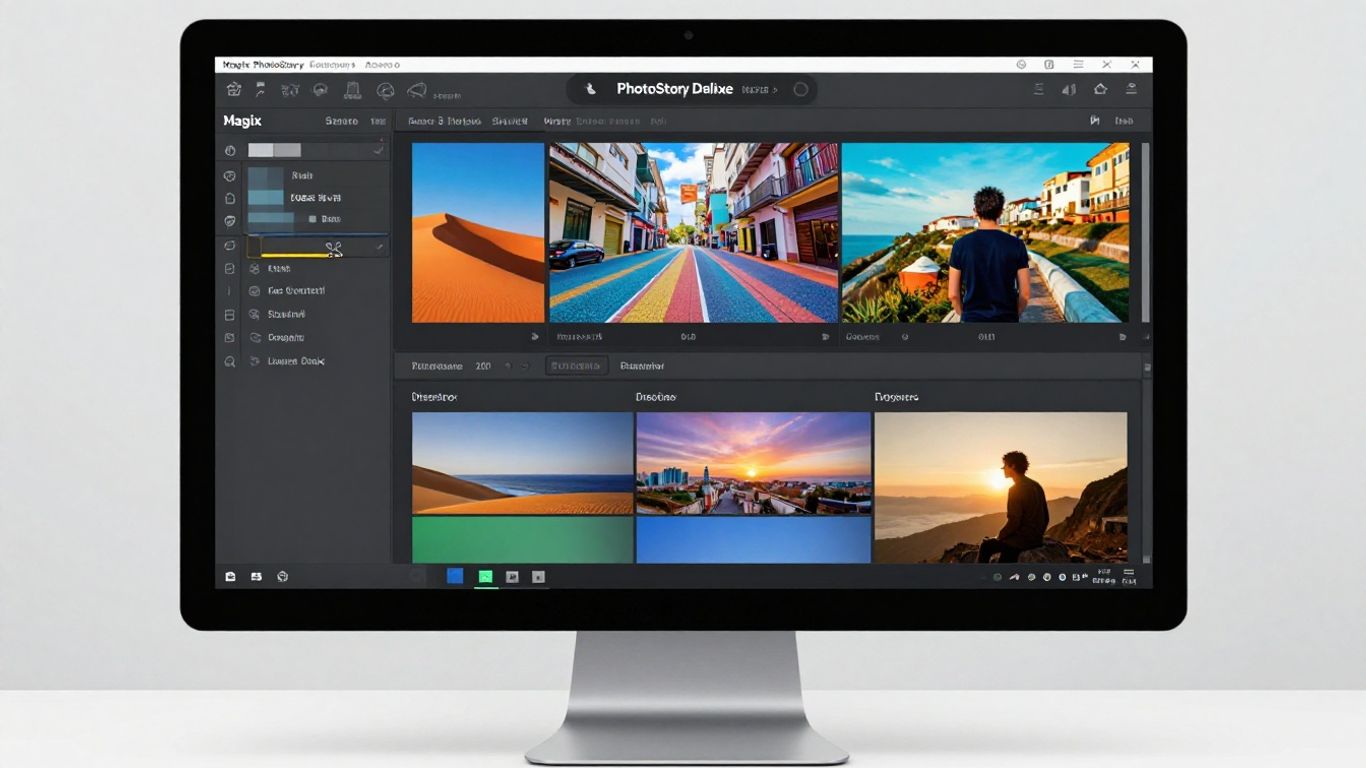
Magix PhotoStory Deluxe is an interesting option for those already familiar with creating slideshow presentations and wanting to take it a step further. It stands out for offering a wide range of tools, from basic to more elaborate, allowing you to create truly eye-catching presentations.
With a library featuring over 300 video effects and filters, plus around 800 audio tracks and sound effects, the program offers considerable creative freedom. It also includes an integrated image editor with filters and a custom animation module, which is great for those who want complete control over every visual detail. The interface may seem a bit cluttered at first, but the workflow is well thought out and helps create impressive results.
PhotoStory Deluxe is known for its ability to transform simple photos into dynamic visual stories, with plenty of customization options for those who aren't afraid to explore.
Some of the strengths include:
- Over 100 ready-to-use slide presentation templates.
- A dedicated module for creating custom audio.
- Built-in image filters for quick adjustments.
- Animation options to bring your photos to life.
It has a good user rating, around 4.5 stars, which shows that many people like what it offers. You can try the software for a month for free before deciding if it's worth investing the $49.99 to continue using it after that period.
9. PTE AV Studio
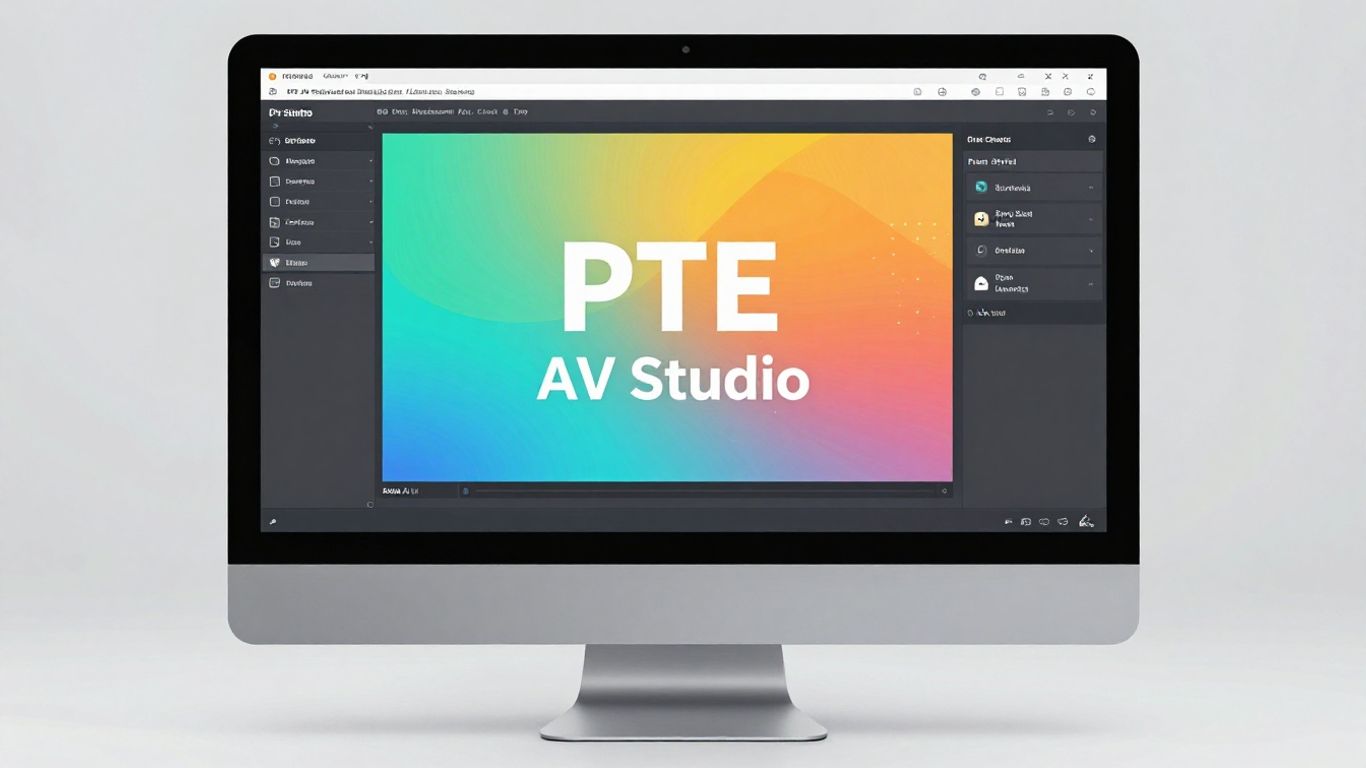
PTE AV Studio is a program that emerged as a successor to PicturesToExes, and it stands out for being a tool focused on creating visual narratives with a very seamless flow. One of its cool features is GPU acceleration, which helps create slideshows with photos, images, and videos very quickly. Seriously, the speed is impressive.
It comes with a cool library of over 100 effects, templates, and filters. You can play around with masks, text styles, and even multi-track audio editing. And there are some DIY animation modules that let you create your own styles, which is great for those who like to customize everything. The full-screen preview is also a plus; you can see exactly how everything will look.
In reviews, PTE AV Studio usually gets around 4.5 stars. People really like the workflow with keyframes, the templates, and the sound editing. They say the creation process is efficient, which is always good, right?
To use the program to its full potential, you'll need a more powerful computer. It has a one-month free trial, which is good for trying it out. After that, there are paid versions: the Standard version costs around $69 and the Professional version goes for $139. It's an investment, but it seems worthwhile for those who want something more professional.
10. Adobe Premiere Pro
Adobe Premiere Pro is a huge name in video editing, and although it's not a program made... exclusively For slide presentations, it can be used to create something quite impressive.
If you're already familiar with video editing, its interface will seem familiar. It doesn't come with a bunch of ready-made slide templates, but that actually gives you more freedom. You can download effects and templates from the internet, or create your own.
Premiere Pro is good for those who want total control over every detail. You can create complex animations with keyframes, adjust colors precisely, and organize everything in a way that makes sense.
It's a powerful tool for those seeking professional results and who don't mind investing time in learning.
If you already use Premiere Pro for other projects, creating a slideshow presentation can be a natural extension of your workflow. The learning curve might be a little steeper if you're a beginner, but the end result can be worth it.
Price: It generally works with an annual subscription model, which costs around $239.88 per year. They usually offer a one-week free trial, so you can try it out before deciding.
To conclude
Well, we've reached the end of our list of the best programs for creating slide presentations on your PC in 2026. As we've seen, there are options for all tastes and budgets, from free ones that provide a good starting point, to paid ones that offer more advanced features for those who want to delve deeper. Whether you're a beginner or someone with experience, you're sure to find a tool here that can help you bring your ideas to life. The important thing is to choose the one that best fits your project and start creating. Happy presenting!
Frequently Asked Questions
What is the best free program for making slides?
For those looking for a free option, Wondershare Filmora stands out. It offers many cool tools, neat effects, and is easy to use, even if you've never made a slideshow before. It's a great way to get started without spending any money.
Do I need to be an expert to use these programs?
Don't worry! Many of these programs are designed with beginners in mind. They have easy-to-understand interfaces, with simple menus and drag-and-drop functionality. Some even come with tutorials to help you create amazing slides.
Can I add my own music and narration?
Absolutely! Most programs allow you to add your favorite music, narration, or even sound effects. This makes your presentation much more personal and interesting.
Do these programs work on any computer?
Most work well on Windows computers. Some also have versions for Mac or even mobile apps, which is great for those who like to create on the go.
What are effects and transitions in a slideshow program?
Effects are like special things that happen to photos or text, making them appear in a different way. Transitions are the changes between one photo and another, like a smooth fade or a page-turning effect. They make the slideshow more dynamic.
Is it worth paying for a slide presentation program?
If you need more advanced features, such as super-detailed animations, more effects, or professional editing tools, paying for a program might be worthwhile. They usually offer more options and a more polished end result.
Can I export my slides to use on social media?
Yes, many programs allow you to save your presentation in common video formats, such as MP4. This way, you can easily share your creations on YouTube, Instagram, Facebook, and other networks.
What is DIY animation?
DIY stands for 'Do It Yourself'. DIY animation in slideshow programs means you have complete control to create your own animated movements and effects, instead of using pre-made templates. It gives you more creative freedom!