
You know when you see those super funny photos with multiple versions of the same person? Well, that's what we call photo cloning, and it's easier to do than it seems. In this guide, we'll explore how to duplicate photos to create fun clones, from the tools you'll need to techniques to make everything your own. Get ready to unleash your creativity and surprise everyone with your creations!
Key Points
- To duplicate photos and create clones, you can use mobile apps or image editing software. Many mobile phones already come with basic functions for this.
- Good lighting and a stable background are important to ensure the clones are well-aligned. Using a tripod is very helpful in keeping everything in place.
- After taking the photos, you can use effects like mirroring or adjust colors and shadows to make the clones more realistic or funnier.
- It's possible to do the same with videos, recording multiple versions of yourself and then stitching them together using editing tools.
- Sharing your creations on social media is the best part. Optimize your photos so they look good on any screen.
Mastering the Art of Duplicating Photos to Create Fun Clones
Do you know that feeling of wanting to appear in multiple places in the same photo, as if they were copies of you? Well, that's called image cloning, and it's easier than it seems! It's a technique that allows you to create really cool visual effects, where you or an object appears repeated, adding a touch of magic and fun to your photos. Think of it as having a digital twin brother who accompanies you in every pose.
Understanding the Concept of Image Cloning
Cloning, in the world of photography and editing, is basically the art of replicating an element within the same image. It's not magic, it's technique! Generally, this involves taking several photos of the same scene, with the element to be cloned in different positions, and then stitching them together so that it looks like there are multiple copies of it there. The result can be something super funny, like you shaking hands with yourself, or something more artistic, like a landscape with multiple versions of the same building.
The Magic Behind the Double Effect
What makes this effect look so incredible is the way the images are combined. Editing tools use masks and layers to make the transition between the different versions of your clone smooth. The secret lies in making the edges blend seamlessly., ...so that the eye can't tell where one photo ends and another begins. It's a work of patience, but the result is worth it. Think of how an artist puts together pieces of different paintings to create a new work; it's something similar, but with photos.
Preparing the Ground for Creative Clones
Before you start clicking away, it's good to think about a few things. The environment where you're going to photograph makes all the difference. A simpler background helps a lot, as it prevents the clones from blending into the scenery. Also, lighting is your best friend (or enemy, if not well managed!). Try to keep the light as low as possible. uniform Finding the right balance between the photos is an important step in making your clones look real, or at least well integrated. Planning what you want to do with the clones also helps in deciding the best way to take the photos.
The key to a good clone is consistency. If the lighting changes too much or the background has too many details, the effect can become confusing and less impactful. Therefore, a little planning before the photoshoot can save a lot of time in editing afterward.
Essential Tools for Duplicating Photos and Creating Clones
To bring your fun clone ideas to life, you'll need a few tools. Luckily, the digital world offers many options, from simple apps on your phone to more robust software on your computer. The right choice depends on your experience level and the result you're looking for.
Mobile Applications Dedicated to Cloning
If you want practicality and speed, mobile apps are the way to go. They are designed to be intuitive, allowing you to create clone effects with just a few taps. Many of them come with ready-made templates and pre-defined effects, which greatly simplifies the process, especially for beginners. Some apps even allow you to create multiple clones in a single video, which can yield some very funny results.
- Ghost Lens: A popular app that offers a user-friendly interface and features for creating clones from photos and videos. It's free and available for Android and iOS.
- Split Lens 2: Another option for Android, known for its diverse layouts and effects, although creating more than two clones can be a challenge.
- Clone Photo Editor: This app focuses on cloning and mirroring effects, allowing you to easily duplicate objects or people.
These apps are great for those who want to experiment and have fun without complications. Most of them allow you to record footage directly in the app or import existing videos.
Image Editing Software with Duplication Functions
For those seeking greater control and more professional results, computer-based image editing software is the way to go. Programs like Adobe Photoshop or GIMP (which is free) offer advanced tools that allow for more precise manipulation. You can use techniques such as layers, masks, and cloning tools to create complex and realistic montages. Although they require a steeper learning curve, the possibilities are almost endless. You can even use AI tools, such as those found in... VoiceCopy AI, to animate his clones in a surprising way.
Integrated Resources in Popular Social Networks
Sometimes, the tool you need is already in the palm of your hand, within the social networks themselves. Platforms like TikTok and Snapchat frequently release filters and effects that allow you to create the illusion of clones. Snapchat's "Next to You" filter, for example, is a quick way to duplicate yourself in a photo. Keep an eye on the news from these platforms, as they are often a source of inspiration and fun tools for creating quick and shareable content.
Capture Techniques for Perfect Clones
For your clones to look truly convincing and fun, the way you capture the images is super important. It's no use having the best app in the world if the base photo isn't good, right? It's like trying to paint an amazing picture with a crooked brush.
The Importance of Uniform Lighting
You know that light that suddenly changes, making one part of your face lighter and another darker? That's the number one enemy of photo manipulation. If the lighting isn't the same in all the photos you're going to put together, the difference will be glaring. Try photographing on a cloudy, but not rainy, day, or near a window where the light is soft and steady. Avoid direct, strong sunlight., because it creates harsh shadows that are difficult to disguise later.
Using a Tripod for Stability
This is almost a professional secret, but it's not difficult to do. If you keep changing the camera's position between photos, even slightly, your clones will come out crooked and misaligned. A tripod, even a small and inexpensive one, will keep your camera in the exact position. That way, when you put the photos together, they will fit perfectly, like pieces of a puzzle. If you don't have a tripod, improvise! Support your phone on a stack of books or something very firm.
Planning the Background of Your Photo
The background is the stage where your clones will perform. If the background is too cluttered, with too many colors and details, it will be difficult to make the clones stand out and look natural. A simpler background, like a plain wall, a blue sky, or an open field, helps a lot. Think about how you want your clones to interact. Do you want them all together, or one in each corner? Planning this before taking the photos will save a lot of time in editing. Remember that the goal is for the attention to go to your clones, not to what's behind them.
Preparation is half the battle. Taking photos carefully, thinking about the light, stability, and background, makes all the difference. It's what separates an amateur clone photo from one that truly impresses.
Exploring Effects and Filters for Creative Clones
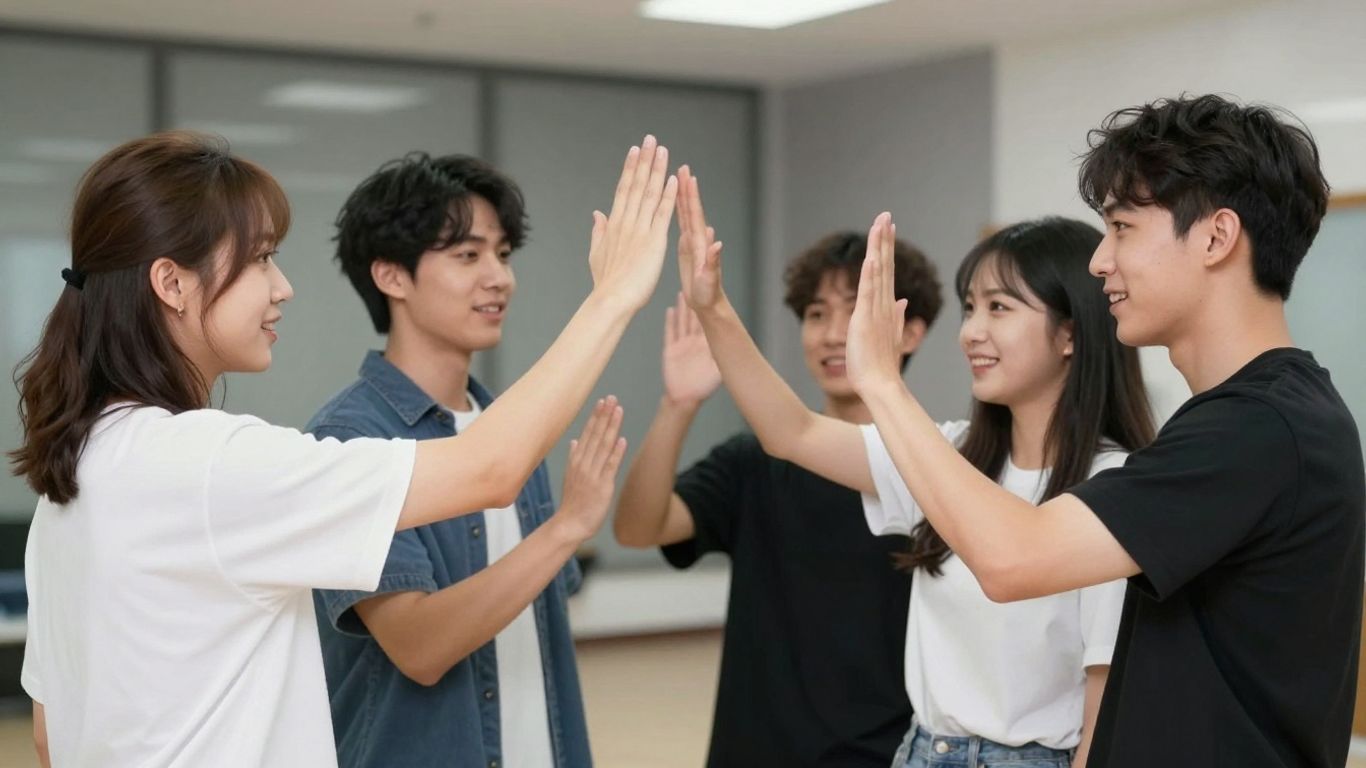
After having your photos duplicated, it's time to add a special touch to make your clones really fun and eye-catching. It's no use having multiple copies of yourself in the photo if they all look the same, right? We can have a lot of fun with effects and filters to make everything more interesting.
The Power of the Mirror Effect
The mirror effect is a classic for those who want to create clones. It basically reflects the image, making it seem like you have a double.
Creating Video Clones Using Duplication Techniques
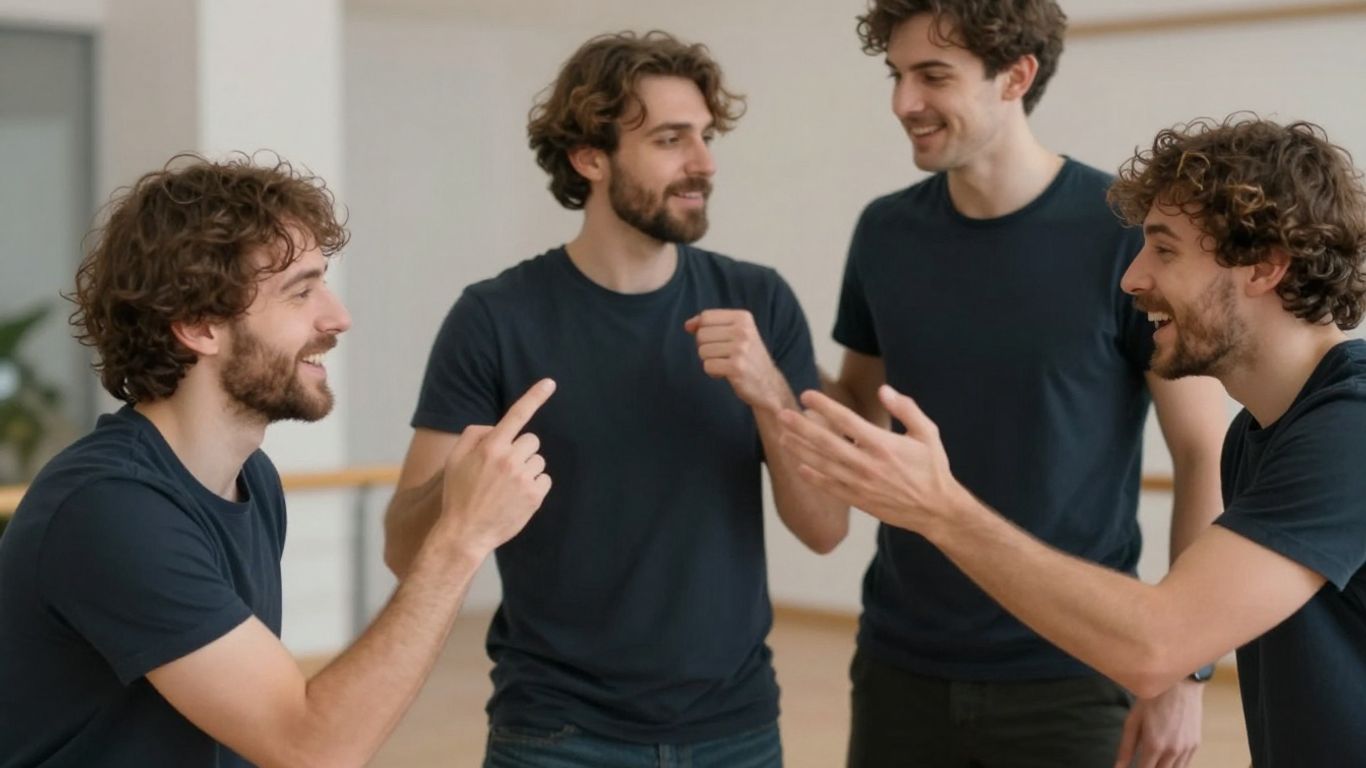
Creating video clones might seem complicated, but with the right tools and a little practice, you can achieve pretty cool results. It's like having a twin brother who helps you with everything, only on screen! The idea is simple: record yourself in different positions or moments and then put it all together to make it look like there are multiple versions of you in the same video.
Capturing Multiple Versions of Yourself
To begin, the most important thing is to plan your shots. Think about where you want each 'clone' to appear and what it will do. A golden tip is to use a tripod. This ensures that the camera doesn't move between takes, which makes it much easier to put everything together later. If you don't have a tripod, try supporting your phone on something very stable. Lighting is also key; try to keep the light as even as possible in all takes so that the clones blend well.
- Record each 'cloning' separately.
- Keep the camera still and the lighting consistent.
- Leave space in the scene for the other clones to appear.
Using Split Camera for Clones
Some video editing applications and software have a function called "split camera" or "split screen." Basically, they allow you to record multiple scenes and place them side-by-side on the final screen. It's a very straightforward way to create a clone effect. You record once, move, record again, and the program takes care of joining the parts. It's a quick way to get a nice result, especially if you only want two or three clones.
Remember that the quality of your final video depends heavily on the quality of the original recordings. Shaky videos or videos with significantly different lighting between takes can require extra work during editing.
Combining Clips for a Clone Effect
After recording all the parts, it's time to put it all together. More robust video editing software, such as... Wondershare Filmora, These tools offer the ability to overlay clips. You can adjust the transparency of one clip over another to create a smoother effect, or use masks to define exactly which part of each recording should appear. This technique gives you more control and allows you to create more complex and realistic clone effects, where the clones can even interact with each other. It's a bit more work, but the result can be impressive.
Advanced Tips for Clone Photomontages
Okay, you've got the hang of duplicating your photos and videos, but want to take it to the next level? Let's talk about some techniques that make the difference between a decent clone and one that truly impresses. It's not just about pressing a button, but with a little attention, you can achieve really cool results.
Overlapping Clips with Precision
This is the part that requires the most care. When you have several clips of yourself in the same scene, the secret is to make them look like they're actually interacting, even if they're not. Think of a handshake, or a clone passing an object to another. For this, the alignment has to be perfect. If you used a tripod and kept the camera still, you've already taken a huge step. Then, in the editing software, use the masking or clipping tools to adjust the edges. Sometimes, a small positional adjustment, even if it's just one pixel, can make all the difference between looking real or artificial.
Adjusting Transparency for Subtle Effects
Not every clone needs to be super sharp and present. Sometimes, a more 'ghostly' or subtle clone can add a touch of mystery or humor. Playing with opacity is the way to go. Reducing the transparency of one of your clones can make it look like a reflection, a memory, or even a fleeting apparition. This is great for creating a sense of depth or for showing different 'versions' of yourself at different times without them competing for attention.
Adding Graphic Elements to Clones
To make things even more fun, how about adding some graphic elements? Think of arrows pointing from one clone to another, speech bubbles indicating an imaginary conversation, or even a small glow around one of your 'selves'. This helps guide the viewer's eye in the photo or video and reinforces the idea you want to convey. It's like adding a final cartoon touch to your creation. Use these elements sparingly so as not to clutter the image, but they can be the finishing touch your clone needs to stand out.
Creating convincing clones isn't just about the duplication technique, but about telling a small visual story. Think about how your clones would interact if they were real people and try to replicate that dynamic in the editing. Small details, such as the direction of their gaze or their pose, can bring your creation to life.
Sharing Your Funny Clones Online
Optimizing Images for Social Media
After all the hard work to create your fun clones, the final step is to share this masterpiece with the world. But before you start posting, it's a good idea to take a look at how to optimize your images for different platforms. Each social network has its own particularities, you know? What looks great on Instagram might not have the same impact on Facebook or Twitter.
- Size and Proportion: Check the ideal dimensions for each platform. A square photo works well on Instagram, but it can leave empty spaces in the Facebook feed. For videos, consider the vertical format for Stories and Reels.
- Resolution: Use the highest resolution possible without compromising file size. A sharp image makes all the difference.
- File Format: JPEG is the standard for photos, but PNG might be better if you have transparencies or want the highest quality. For videos, MP4 is almost universal.
Ideal Formats for Sharing
When uploading your creations, thinking about the right format helps a lot. For photos, JPEG is the king of compatibility, offering a good balance between quality and size. If you used an effect with a transparent background or want the best possible quality, PNG is a great choice, although the files are larger. For videos, MP4 is the most common format and accepted on virtually all social networks. If you want to add a special touch and transform your photos into talking avatars, you can explore tools that create short and dynamic videos, perfect for going viral. Create talking avatars It can be a differentiating factor.
Engaging Your Audience with Creative Clones
Creating clones is just the beginning; the secret to online success is getting people to interact with your content. Think of creative captions that tell a story or ask a question. Use relevant hashtags to increase the reach of your posts. Challenges and contests where followers create their own clones are also a fantastic way to generate engagement. Remember, originality and fun are the key ingredients for your clones to stand out and capture the audience's attention.
The key to success on social media with your clones is consistency and interaction. It's not enough to just post; you need to engage with your audience, respond to comments, and participate in trends.
Solving Common Challenges in Cloning
Sometimes creating those fun clones can be a little tricky, right? We try, but it doesn't always go as planned. Don't worry, it's super normal to encounter some hiccups along the way. Let's see how to solve the most annoying problems so your clones turn out perfect.
Dealing with Unwanted Movement
One of the biggest obstacles when cloning is unwanted movement. If you're trying to create a clone of yourself, but the background shifts slightly between photos, the result can look strange, with
And now? Time to create your clones!
Well, we've reached the end of our journey to create fun clone photos. As you've seen, it's not rocket science, and with the right tools, you can have a lot of fun editing your own images. Whether it's for a prank with friends or just to see what it would be like to have an instant twin brother, the options are many. Now it's your turn: grab your phone, open one of the apps we talked about, and start experimenting. Who knows what your next hilarious creation will be? Share with us if you have any extra tips!
Frequently Asked Questions about Funny Clones
What is photo cloning and how does it work?
Photo cloning is like taking multiple photos of yourself and stitching them together to make it look like there are several copies of you in the same image. It's like having your digital 'twins' appear together in one photo!
Do I need an expensive program to take photos of clones?
Not necessarily! There are many free mobile apps and computer programs that make creating clone photos super easy. You can start with simple tools and, if you like, explore more advanced options.
What's the best way to take photos for cloning?
For a good result, try to use the same lighting in all photos and avoid things shifting in the background. Using a tripod helps keep the camera still, which makes it easier to stitch the images together later.
Can I create clones in videos as well?
Absolutely! Many apps allow you to 'clone' yourself in videos. You can record multiple times in the same place and then stitch the clips together to create a video where you interact with your own copies.
What is the 'mirror effect' in cloning?
The mirror effect is when your copy appears upside down, as if it were a reflection. This creates a symmetrical and very interesting look in your photo.
How do I make my copies look well blended in the photo?
The key is alignment! Try to keep the camera in the same place and the lighting consistent. Then, in the apps, you can slightly adjust the transparency or position so that the copies fit together perfectly.
Which apps are good for starting to make clones?
There are several! For mobile phones, apps like 'Clone Photo Editor' or 'Split Lens 2' are great to start with. For computers, programs like GIMP (free) or Photoshop offer more control.
What if my clone photo ends up with strange or misaligned parts?
Don't worry, it happens! Try adjusting the position of the copies in the editing program. Sometimes, retaking one of the photos more carefully, paying attention to the background and lighting, solves the problem.